Online Flasher
The online flasher tool allows you to flash firmware to your ESP32 device directly from the browser, without installing any development environment.
Prerequisites
Chrome or Edge browser installed (Web Serial API support required)
ESP32 device connected to your computer via USB
Serial port device recognized in Device Manager
Note
If the device is not found in Device Manager, try using a different USB port.

Flashing Steps
Open the online flasher: LAFVIN Web Flasher
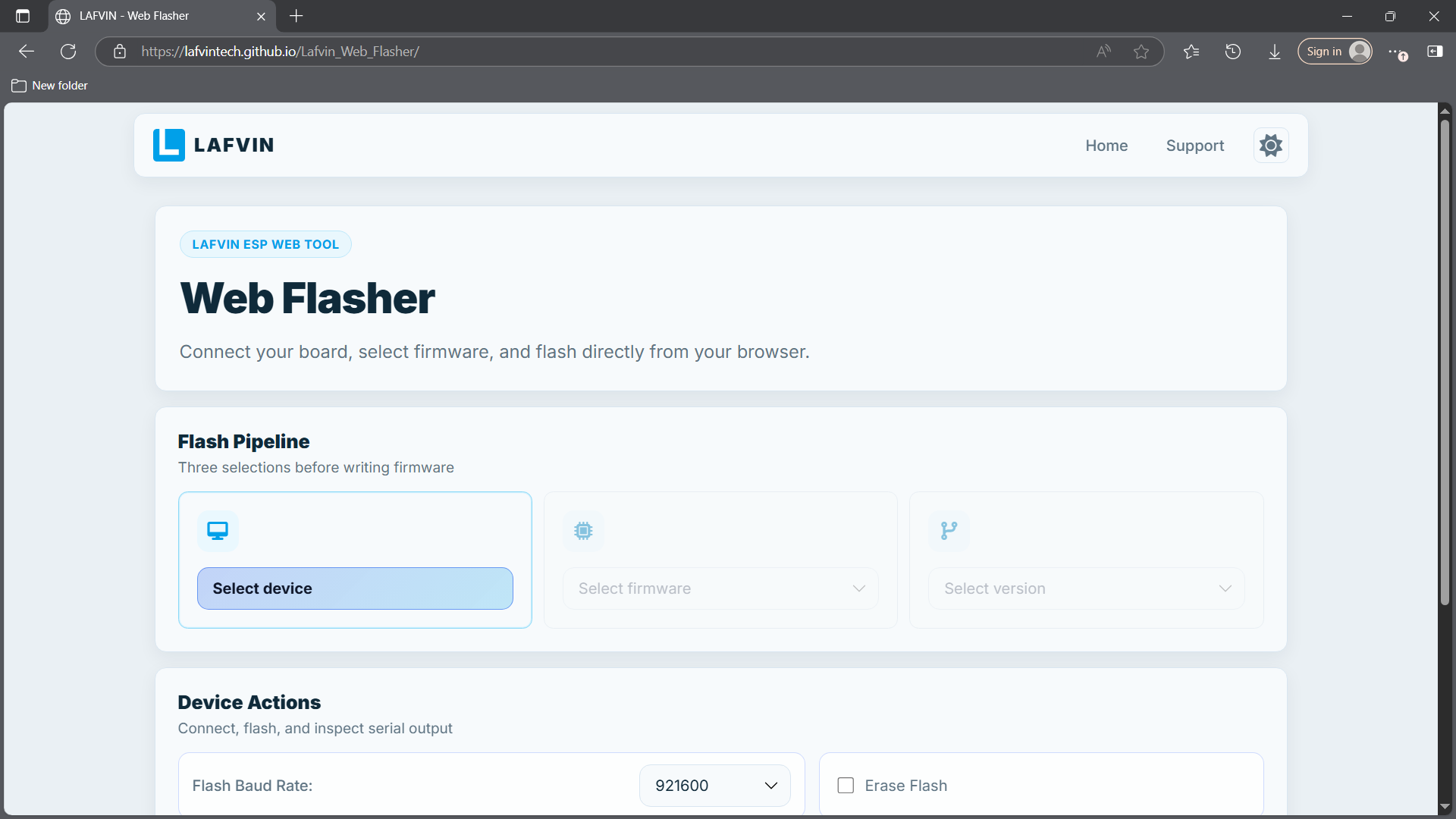
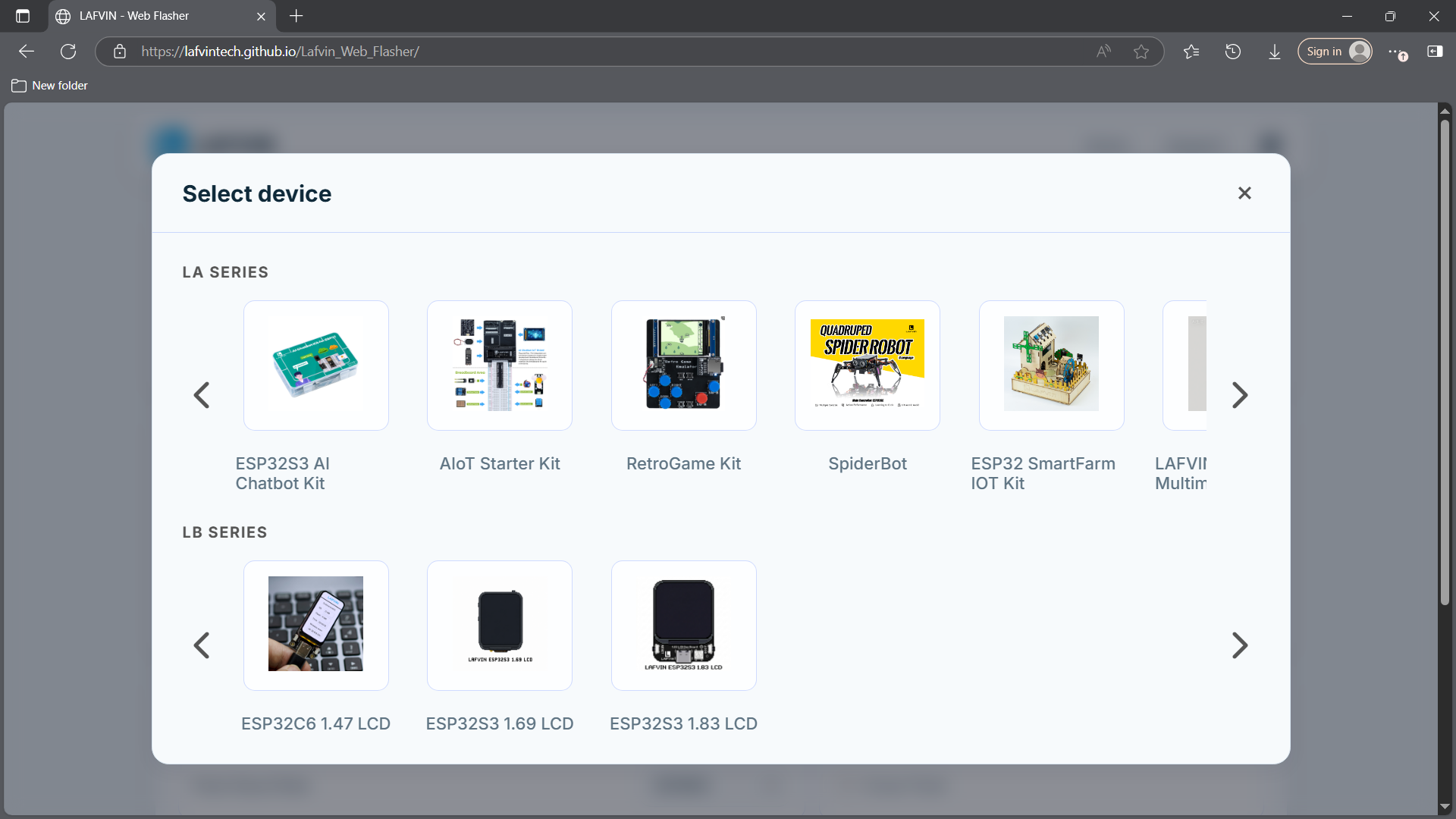
Select your kit or device model.
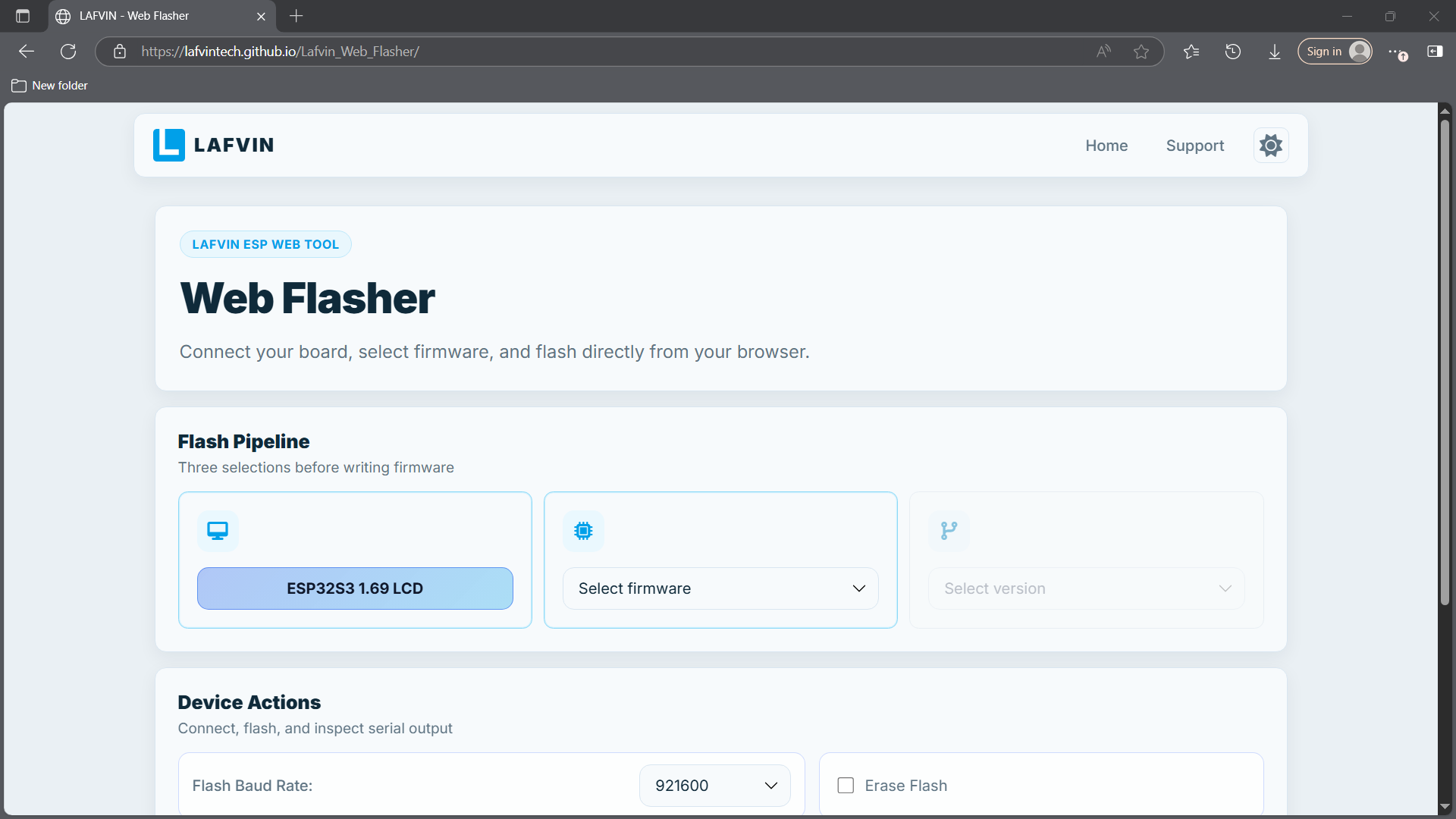
Select the firmware to flash.
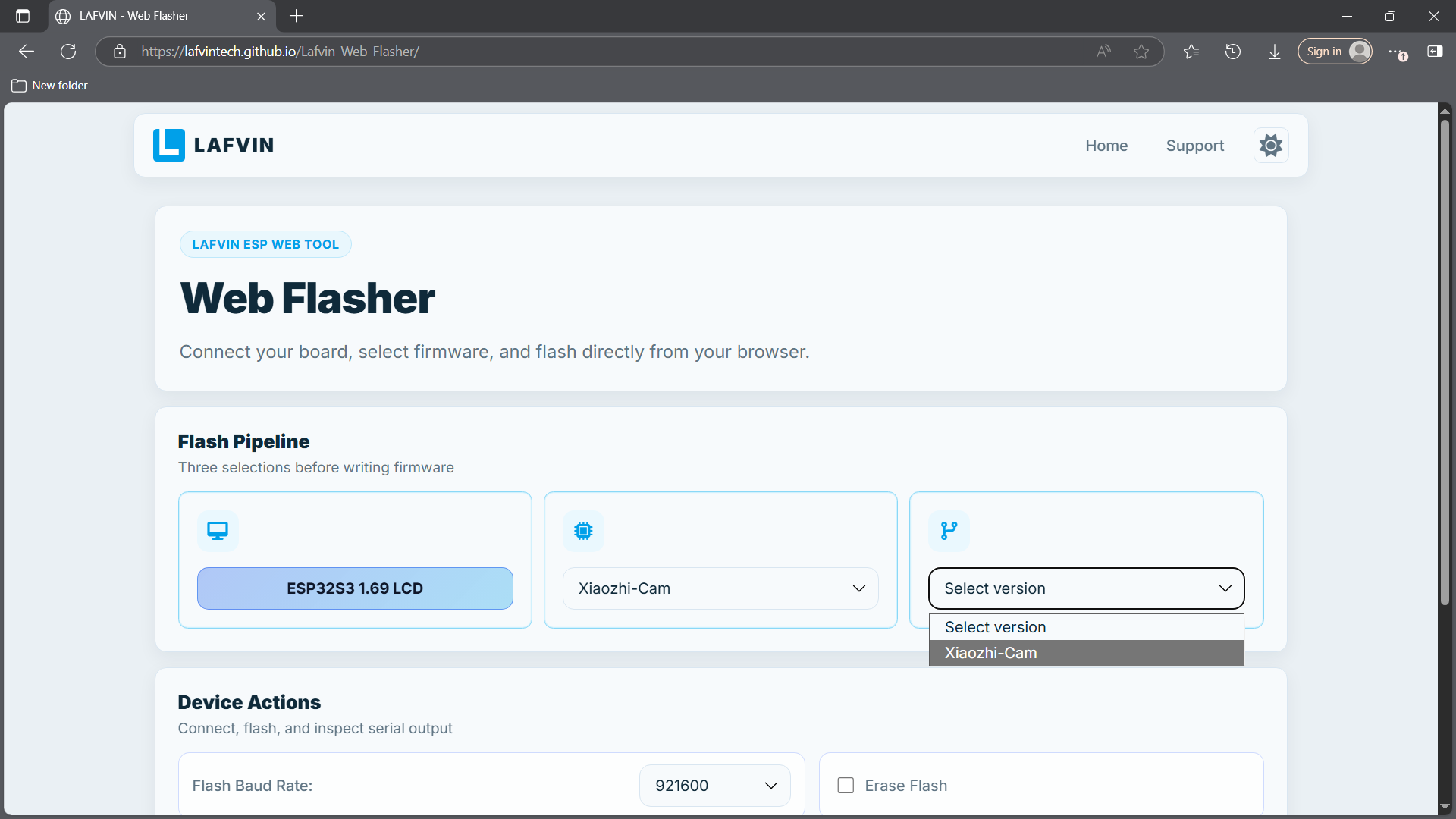
Select the firmware version.
Click
Connect. A serial port selection window will pop up in the upper-left corner of the browser (grant permission if prompted). Select your device and click connect. Once connected, the button will change toDisconnect.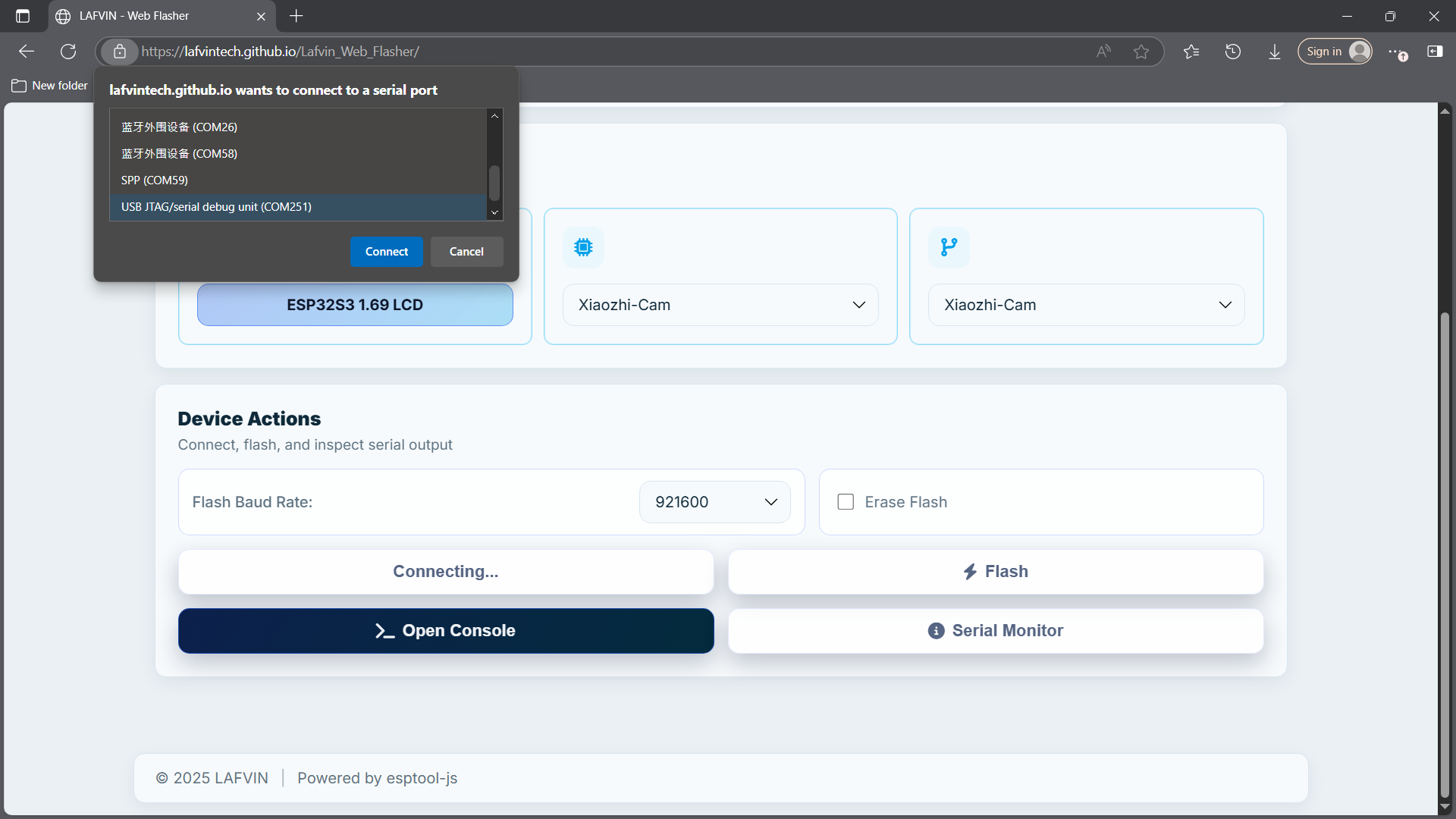
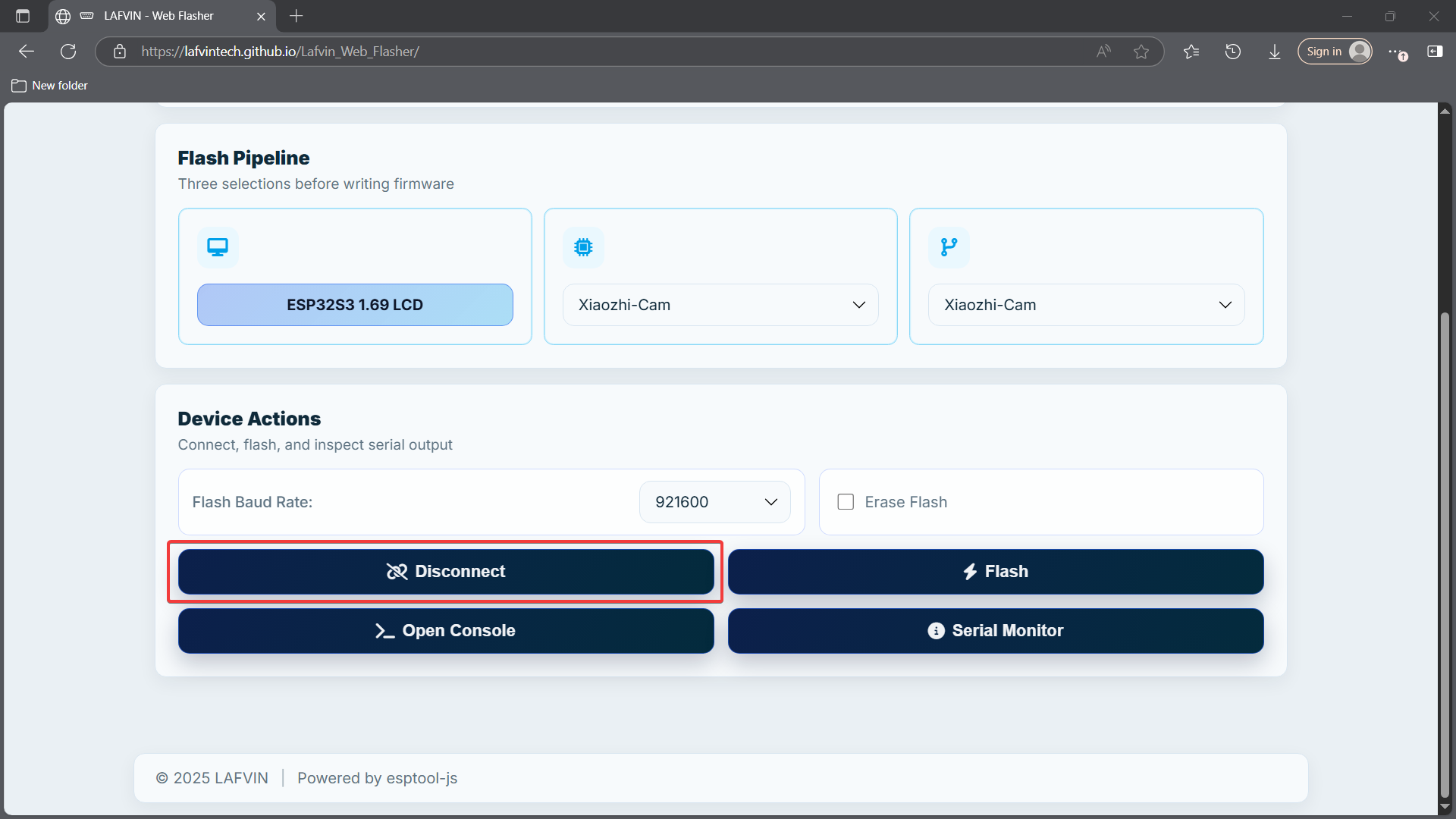
Select the
Flash Baud Rateand whether to enableErase Flash(recommended for first-time flashing). Once confirmed, clickFlash. The tool will automatically erase and write the selected firmware.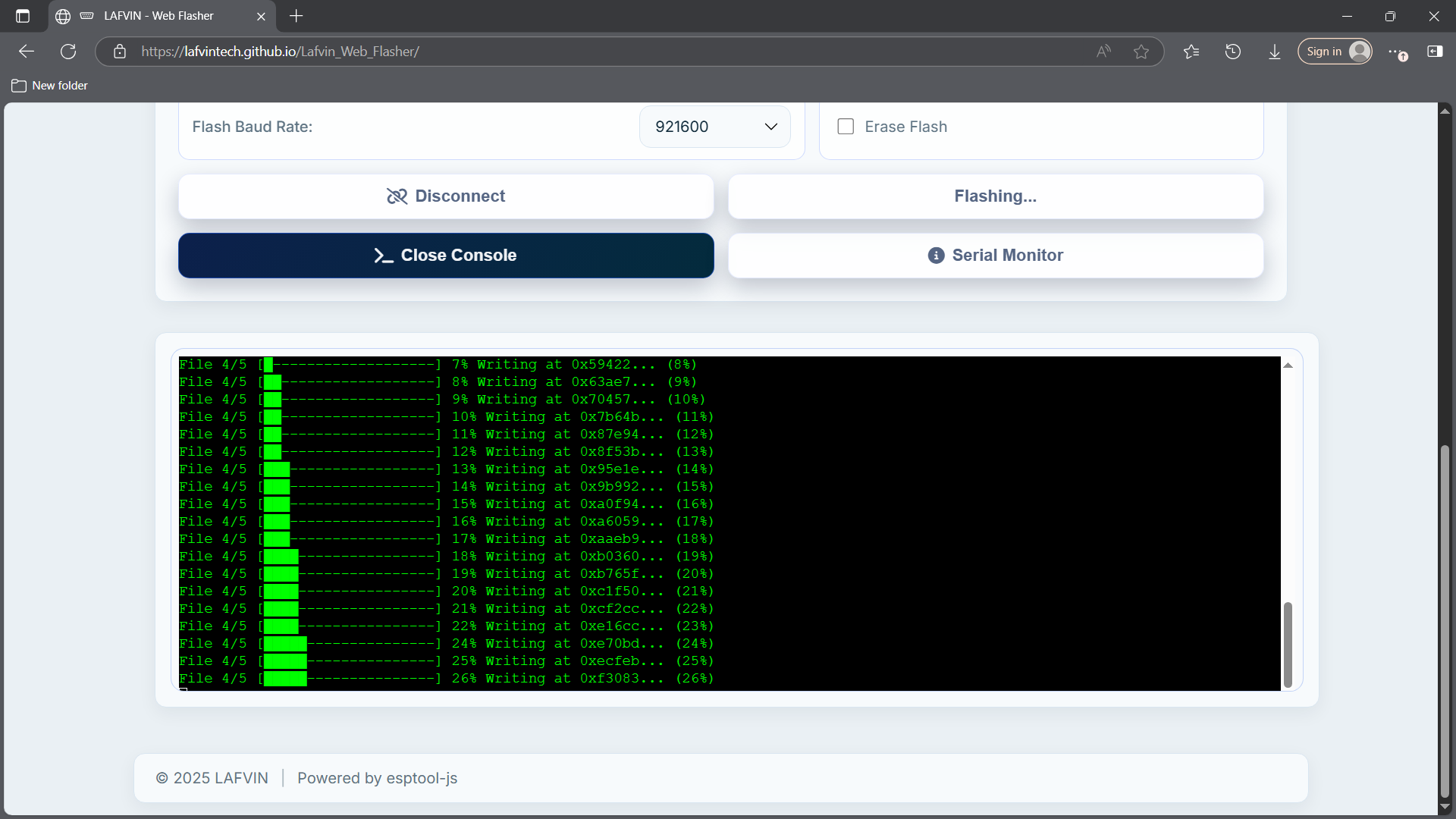
Note
The Flash erase process may take a while. Please be patient.